Using an Aqara H2 EU Switch to control Smart Lights
 |
| Picture shamelessly stolen from Aqara's web site |
I have on old house, circa 1850's in its current guise. It's also made of granite and the internal walls are all lathe and plaster - so not easy to trunk wiring.
The house has had its wiring updated/modified over many decades... although I've been rectifying some of that.
As a consequence, currently, virtually no light switch has a neutral wire.
Virtually all of the house is covered by Aqara FP2 presence sensors and so lights turn on/off as people move around the house. Very occasionally that doesn't work, for some reason. Why? because it is a day with a "y" in it and the moon is in the wrong place. Maybe Mars is also not aligned!
I'll say, though, the presence sensor turning on of lights, etc does have my Partner Approval Factor! To the point that when we go to someone's house that doesn't have the capability, I'm often told how much it is missed.
Having said that, I still believe that a house should work in the old fashioned way for old fashioned people to know how to turn lights on/off.... and this means using a switch.
In the early days of smart home, it just wan't possible to use a smart switch and smart lights combined. Then you could start using buttons which, could, look like switches. These were often battery powered though, so one more thing where you have to change batteries! I know Hue had a button that didn't require batteries or power, but it didn't look like a switch and so confused non-smart-home-believers. Hue also only works with Hue, or Friends of Hue.
Then we started seeing switches you could use, because they worked in "de-coupled mode", which means they didn't cut the power to the light... but they required a neutral wire - which I don't have.
Finally, we started seeing Smart Switches not needing neutral wires, such as the Aqara H2 EU switch that supports de-coupled mode. Great!
I've already implement an H1 with Aqara lights, such as the Aqara T1M.
Installing and Setting up.
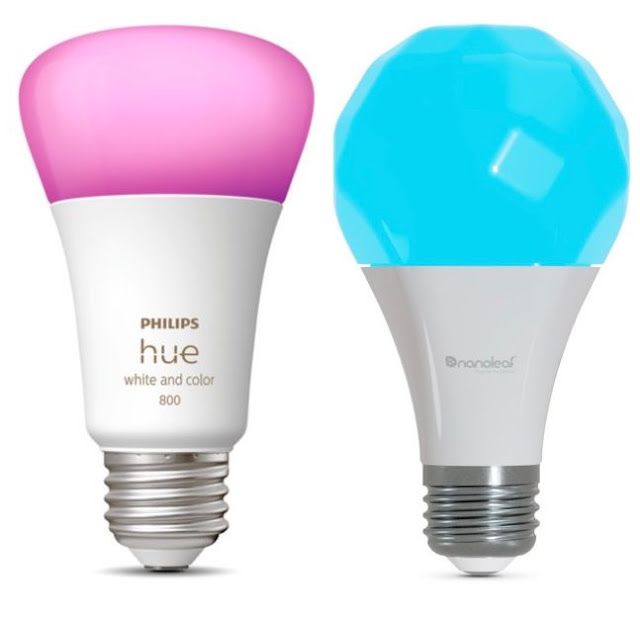
Now I wanted to integrate with Nanoleaf Essentials Bulbs/Globes in our Attic and, if successful, in other rooms too. Unfortunately, I can't do this with Matter.
Although the Aqara H2 EU Switch is Matter Compliant, and is matter over Thread as shipped, which is now my default capability to look for, it does not support de-coupled mode in Matter and so you have to use Zigbee firmware. This will mean using an Aqara Zigbee hub, or Home Assistant with a Zigbee dongle. I have an Aqara M3 Hub.
Now, why this is, I don't know. Matter has the ability to have vendor specific capabilities.
I had already added the Nanoleaf Globes/Bulbs to the Aqara M3 using Matter by putting the lights in Pairing mode in Apple Home, where they were already configured.
Converting the switch to Zigbee.

Select the switch and then it will show the option to continue with Matter over Thread or Zigbee.


- Functional Settings
- General Settings


Comments
Post a Comment